Guides
Cornerwitch guide map: getting started, how to play, idle mode, bosses, cosmetics, spells, and cats for cozy desktop progress.
View all GuidesIdle tips, spell priorities, and cozy desktop companion guides.
Unofficial Cornerwitch wiki covering getting started, idle mode, bosses, cosmetics, and spell-and-cat progression for the Steam PC release.
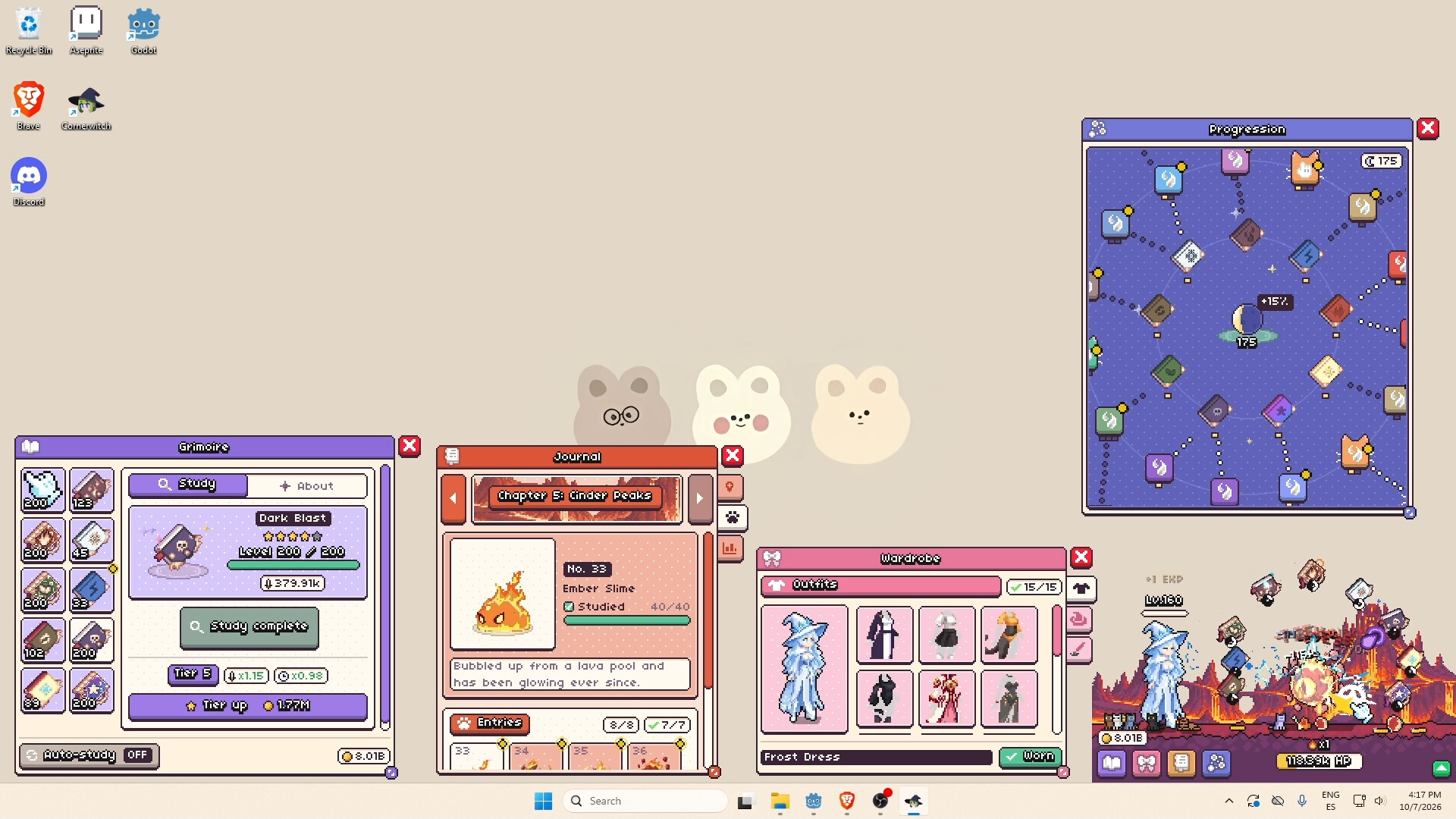
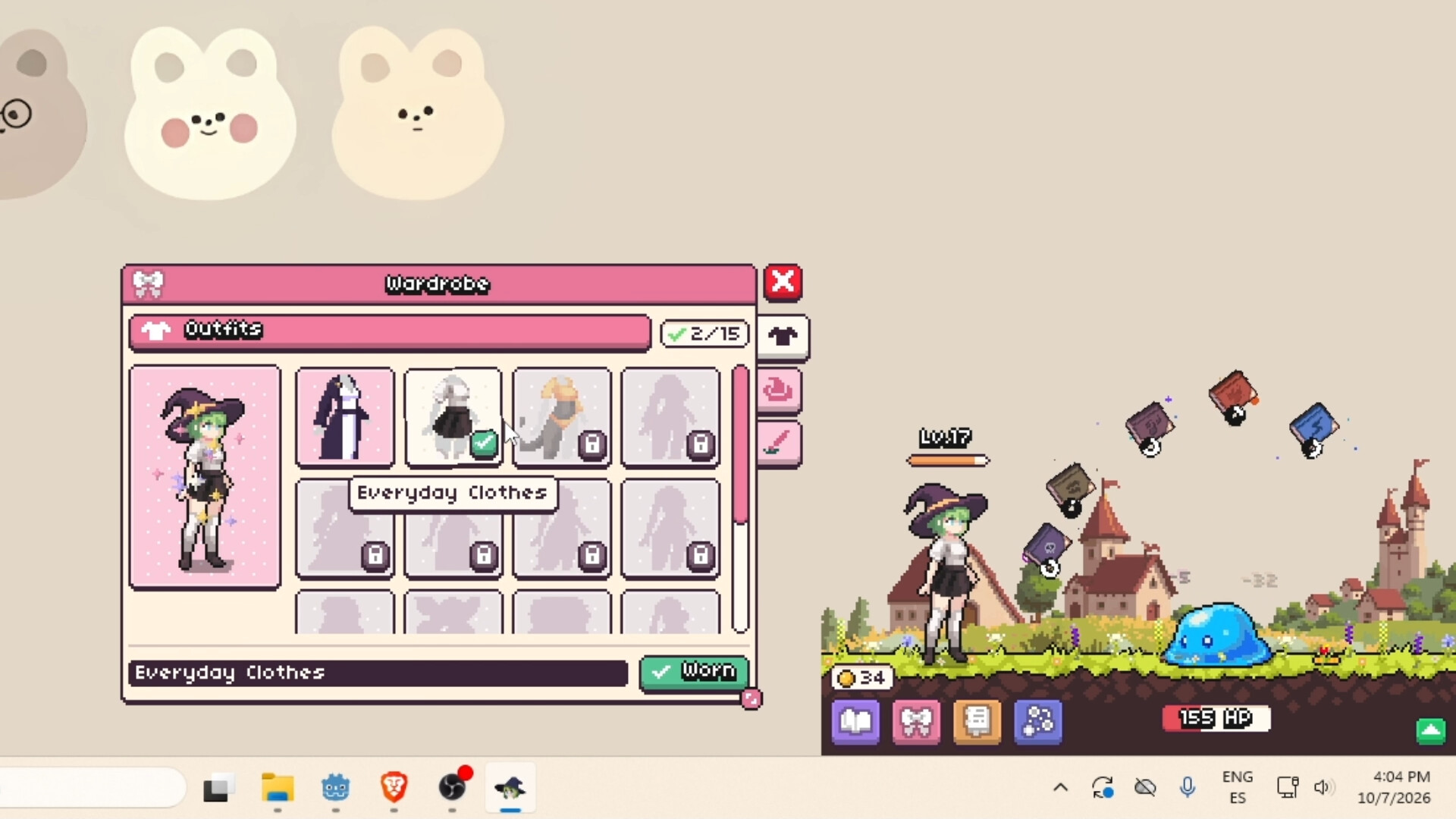
Cornerwitch is a cozy desktop-corner idle RPG from AramiGames. Click monsters for gold, study spells, collect helpful cats, unlock cosmetics, and tackle bosses while the tiny window stays out of your way. Start with the Getting Started guide, learn Idle Mode, then plan fights with the Bosses guide and Builds.
Cornerwitch guide map: getting started, how to play, idle mode, bosses, cosmetics, spells, and cats for cozy desktop progress.
View all GuidesCornerwitch tier frameworks for spells, cats, and builds鈥攈ow to prioritize unlocks, bosses, and idle progress without invented meta lists.
View all Tier ListCornerwitch patch tracker: day-one Proton and window fixes, demo feedback pacing changes, and where to read official Steam news.
View all UpdatesCornerwitch tools hub: system requirements, desktop companion window tips, Proton notes, and links to guides for cozy idle play.
View all ToolsOfficial Cornerwitch links: Steam store, community hub, news, developer support email, and shortcuts into this fan wiki's guides.
View all LinksBuy Cornerwitch on [Steam](https://store.steampowered.com/app/4443690/Cornerwitch/), launch it, and place the cozy window where it will not block your work. Read Desktop Companion Tips for snapping and multi-monitor advice.
Follow Getting Started and How to Play to earn gold, level up, and understand when to click versus when to let idle mode carry progress.
Use Spells and Cats plus the Cosmetics guide to prioritise helpers and wardrobe upgrades without wasting early gold.
Check the Day One Patch notes and the Updates Hub whenever Rami ships quality-of-life fixes for Linux, window size, or UI clarity.
Quick answers for new and returning witches.
Cornerwitch is a cozy Steam idle RPG from AramiGames that lives in a small desktop-corner window. You click monsters for gold, unlock spells and cats, customise your witch, and fight bosses while you work.
Read Getting Started, then Idle Mode and System Requirements so the window stays stable while you learn the loop.
Cornerwitch is a paid Steam game. There is no ongoing free-to-play code system like mobile titles. Watch the Steam page for discounts and check Updates for patch news.
No. This is an unofficial fan resource. Confirm patches and pricing on the [Steam store page](https://store.steampowered.com/app/4443690/Cornerwitch/) or via gamedev@arami.dev.
Steam lists English, German, Spanish (Spain), Japanese, Korean, Portuguese (Brazil), Russian, Simplified Chinese, and Spanish (Latin America). This wiki focuses on English, German, Spanish, and Brazilian Portuguese.
The store lists Windows requirements, but the day-one patch improved Linux and Proton compatibility. Deck users have reported transparency flicker; see Desktop Companion Tips.
From first clicks to boss hunts, this wiki covers idle setup, cosmetics, spells, cats, and launch patches. Begin with Getting Started or jump to the Tier List Hub.
Start with the beginner guide